Clicked a Phishing Link? What to Do in the First Hour
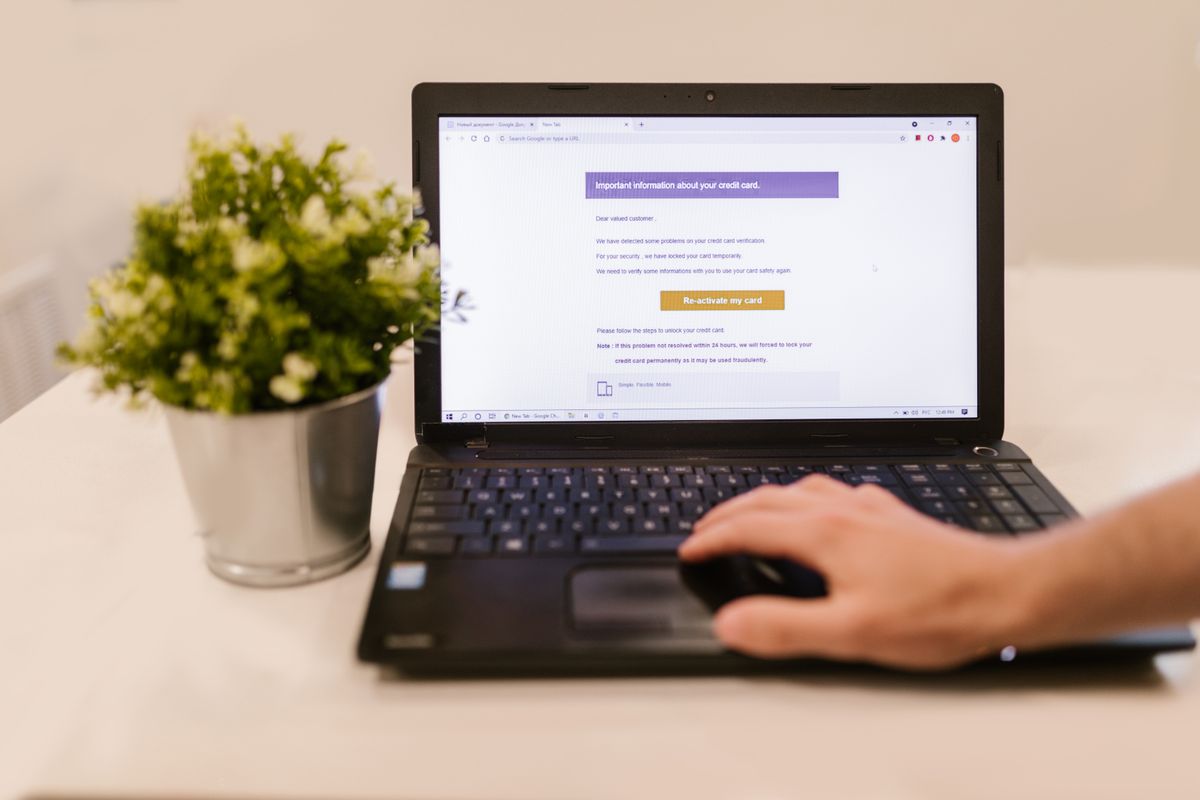
It happens to careful people. An email looks like it came from your bank, a shipping company or your own boss, and by the time something feels off, you have already clicked. If you clicked a phishing link, what you do in the next hour matters more than the click itself.
Here is a calm, step-by-step plan for New York small businesses. Print it, or bookmark this page for the day you need it.
First, don’t hide it
A lot of the damage from a phishing email happens because nobody says anything for days. The person who clicked feels embarrassed, hopes it was nothing, and keeps working. Meanwhile, whoever sent the email is using the password they just collected.
Make it a rule in your office: reporting a click is always welcome and never punished. The sooner someone speaks up, the smaller the problem.
What to do in the first hour if you clicked a phishing link
- Close the page that opened. Don’t type anything else into it.
- If you entered a password, change it now from a different device. Go to the site by typing its address yourself, not through the email.
- If you use that same password anywhere else, change it there too.
- Turn on two-step sign-in for that account if it isn’t on already.
- If you opened a file or something downloaded, disconnect the computer from the internet: turn off Wi-Fi or unplug the network cable. Leave the computer on. Shutting it down can erase clues your IT person needs.
- Call whoever handles your IT. Tell them what you clicked, when, and what you typed or downloaded.
- If you entered bank or card details, call your bank using the number on the back of your card.
- Tell your coworkers. The same email probably landed in other inboxes.
What to watch for over the next few days
Even after you change your password, keep an eye out for:
- Password reset emails you didn’t ask for
- Messages in your Sent folder that you didn’t write
- Replies from people you never emailed
- Sign-in alerts from places you have never been
- A “vendor” asking to change their bank details
One sneaky trick deserves a closer look. When someone gets into an email account, they often set up a hidden rule that forwards copies of your mail to them. That rule keeps working even after you change your password. Ask your IT person to check your mailbox for forwarding rules you don’t recognize.
Report it
Reporting helps stop the next attack:
- Forward phishing emails to reportphishing@apwg.org.
- Forward scam text messages to 7726 (it spells SPAM).
- Report the attempt at ReportFraud.ftc.gov.
- If personal or financial information was taken, IdentityTheft.gov lists recovery steps for your situation.
If the email pretended to come from a company you do business with, let them know through a phone number or website you already trust.
If client information may have been exposed, talk to your attorney before you decide anything about telling clients. New York has notification rules, and the clock can start quickly.
What to do this week
You can’t stop every phishing email from arriving, but you can make a click much less costly:
- Turn on two-step sign-in for email, banking and payroll.
- Pick one person everyone calls when something looks wrong, and post that number by every desk.
- Have a five-minute team talk: “If you clicked, tell us. You won’t be in trouble.”
- Check your email settings for forwarding rules you don’t recognize.
If your office still relies on a friend or relative for this kind of help, it may be time to read Has Your Small Business Outgrown DIY IT? You can also see how our cybersecurity services handle this every day.
Not sure where you stand? Book a free consultation and we’ll look at your email, backups and security settings, then tell you in plain English what we’d fix. No pressure, no jargon.
Book a free consultation